
See, filling in half or all of a circle was easy enough. I could even do it without the border:
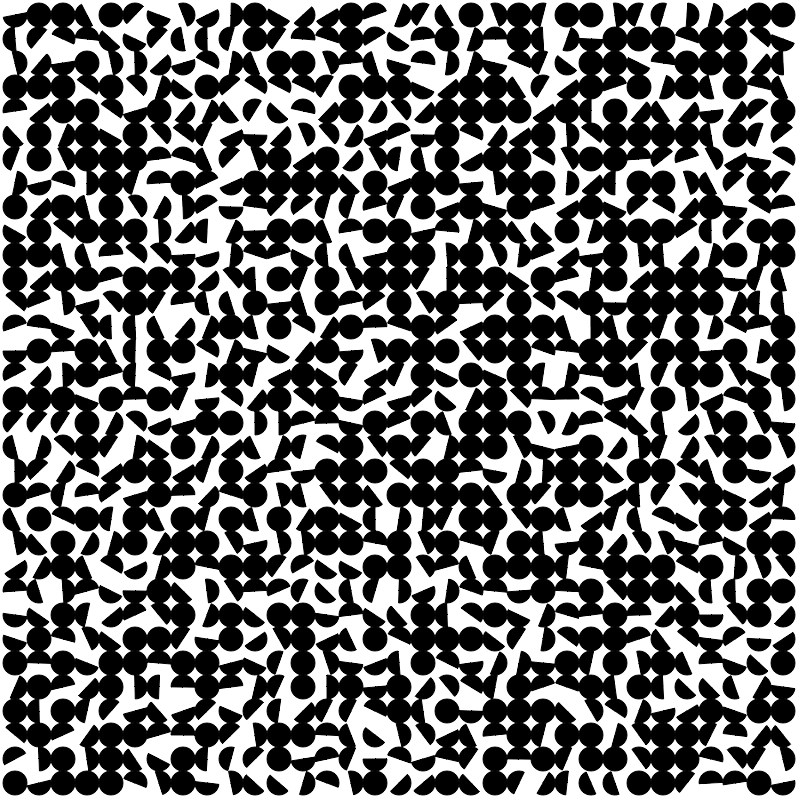
But what I wanted to do was fill in a random amount of the circle, and that’s where I ran into problems. I’d been using the arc and fillPath commands, and the way those two interact (at least in ACSLogo) is, to put it in technical terms, wonky. If I drew two lines and then an arc between them and tried to fill it in with fillPath, it would only fill in the space between the ends of the arc, like so:

I could use fillIn instead, but for the smaller slivers that required pixel-point precision or else it would just fill the the other part of the circle (or sometimes the whole screen), and I couldn’t figure out a good way to code it. Finally, after bashing my head against the problem for several days, I remembered that a circle is just a polygon with a lot of sides. Et voila:
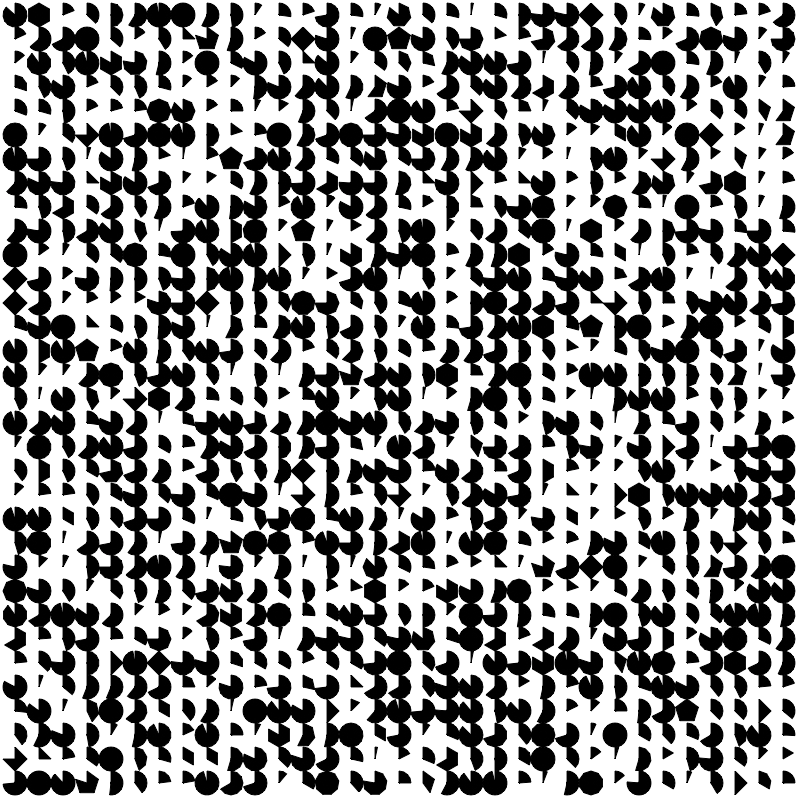
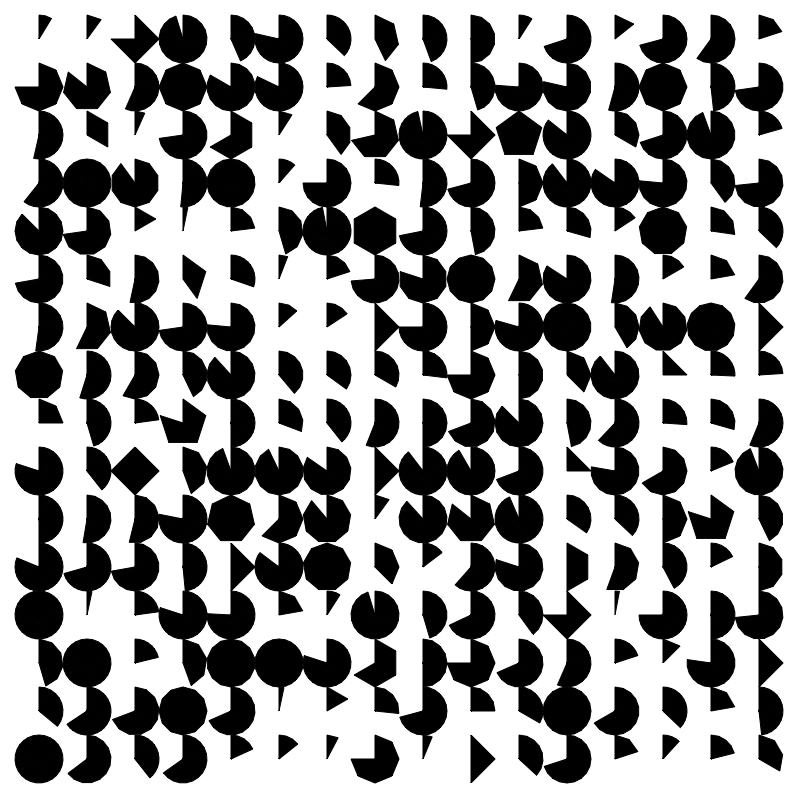
I immediately decided I actually liked the polygonal look so I bumped the size up to see it better:
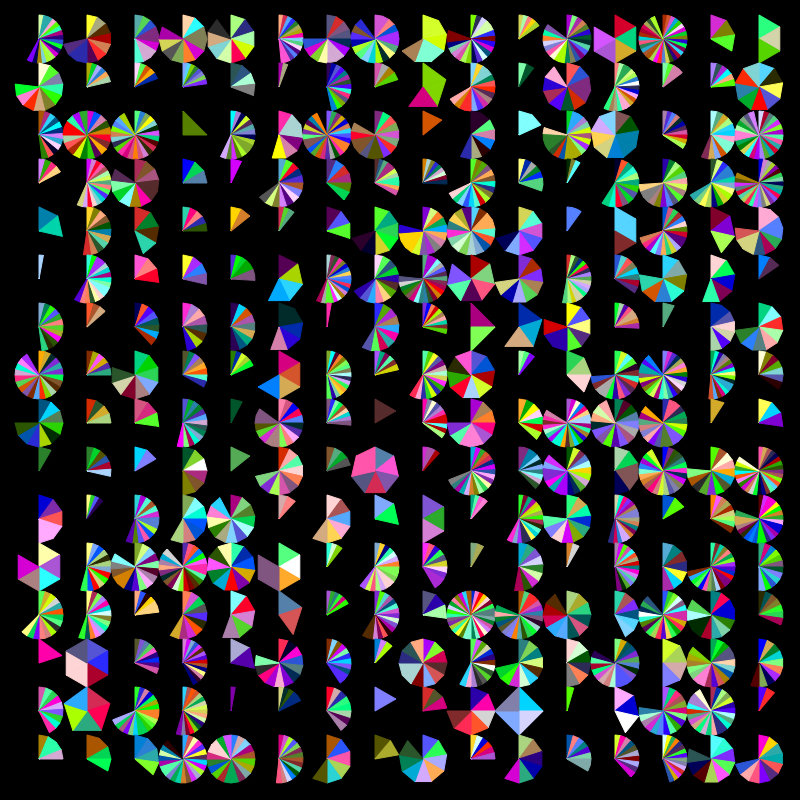
And of course, in color:
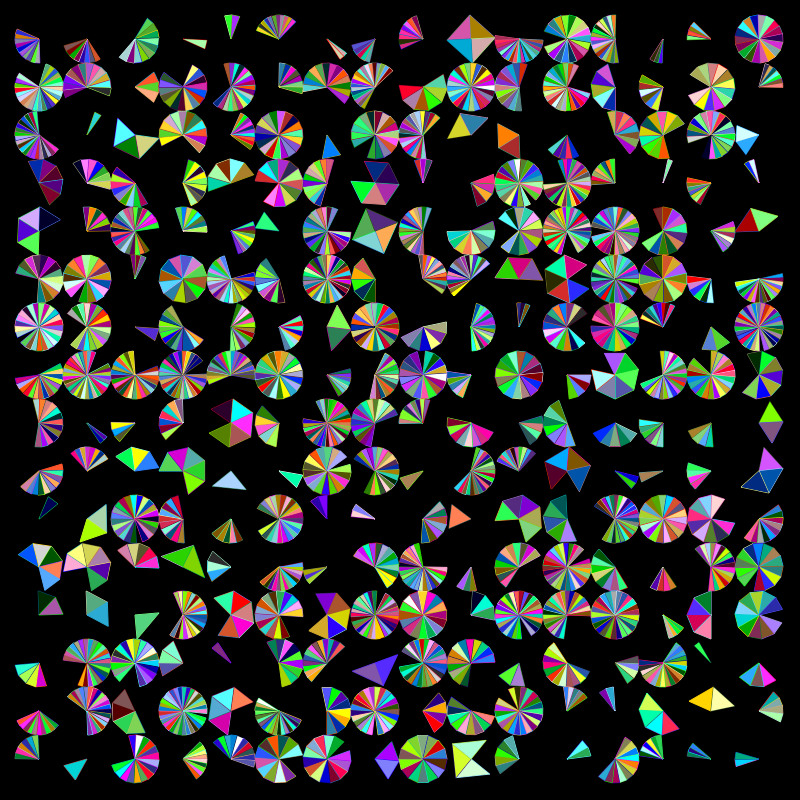
Then we start getting fancy:
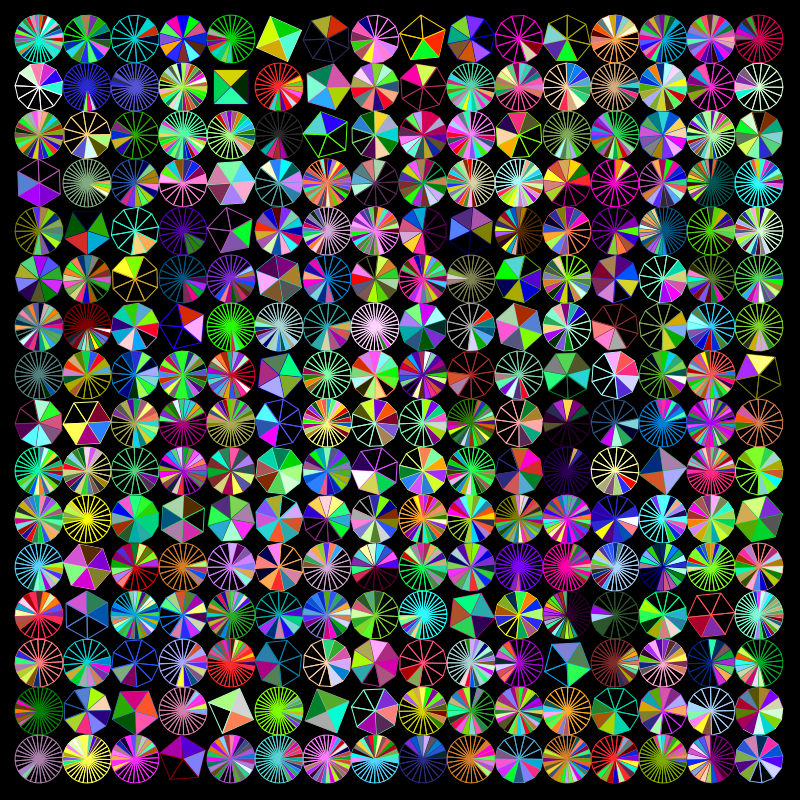

At this point it was feeling a little too chaotic, so I decided to instill some order:
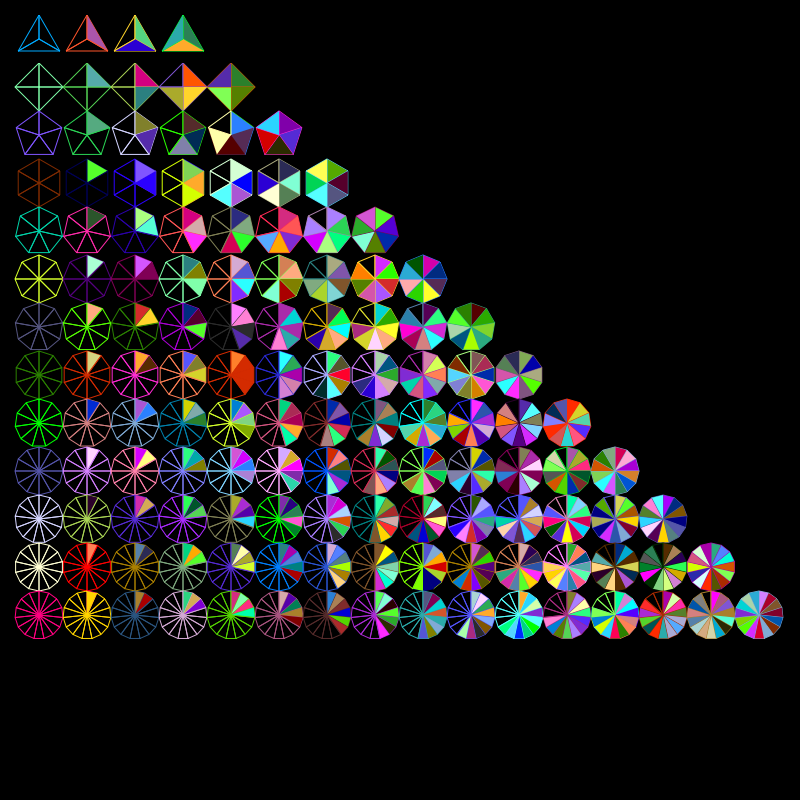

Even more order:
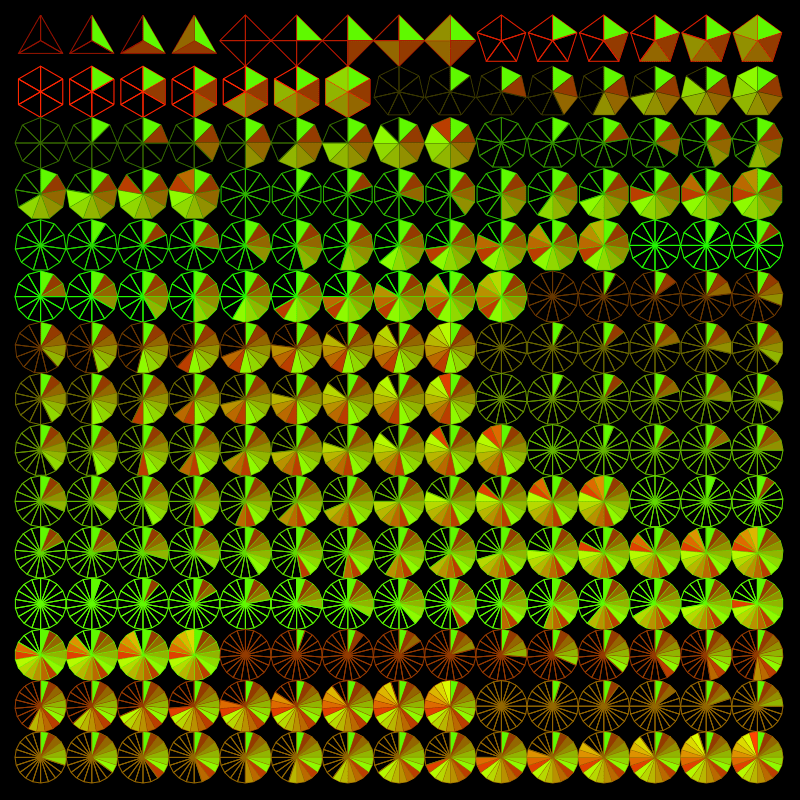
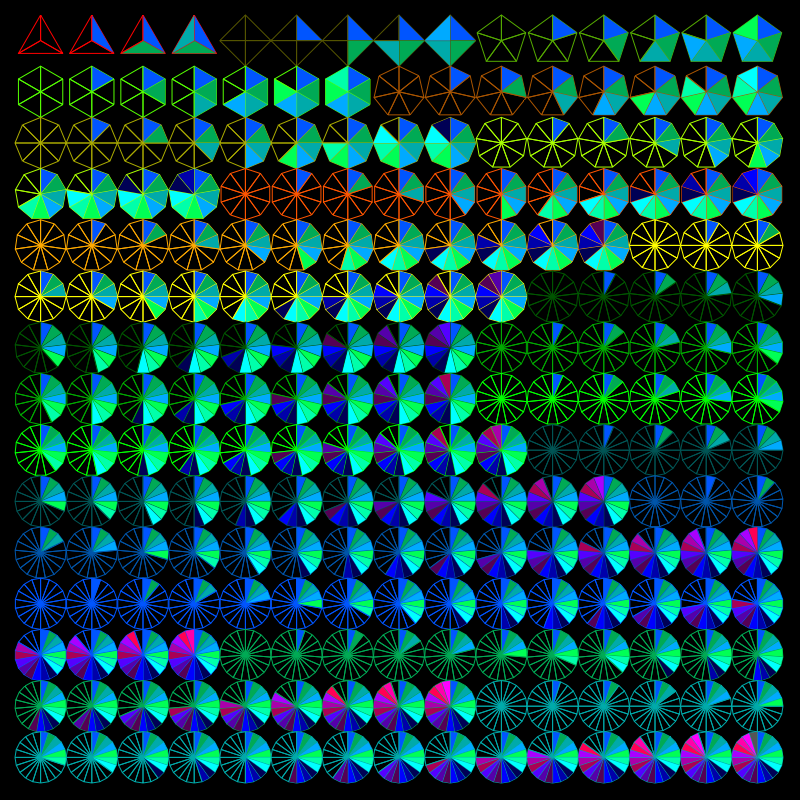
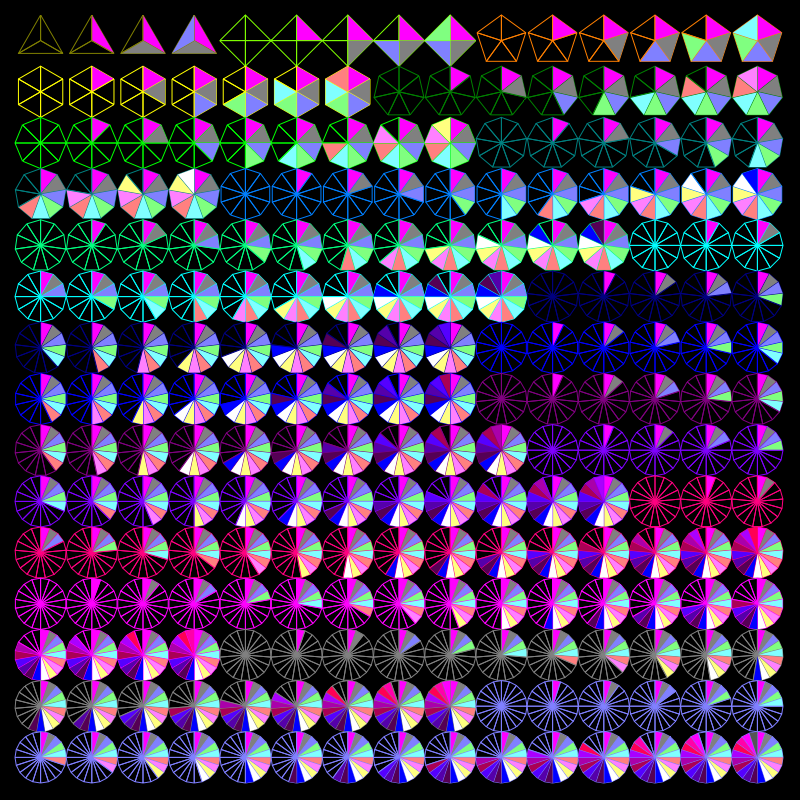
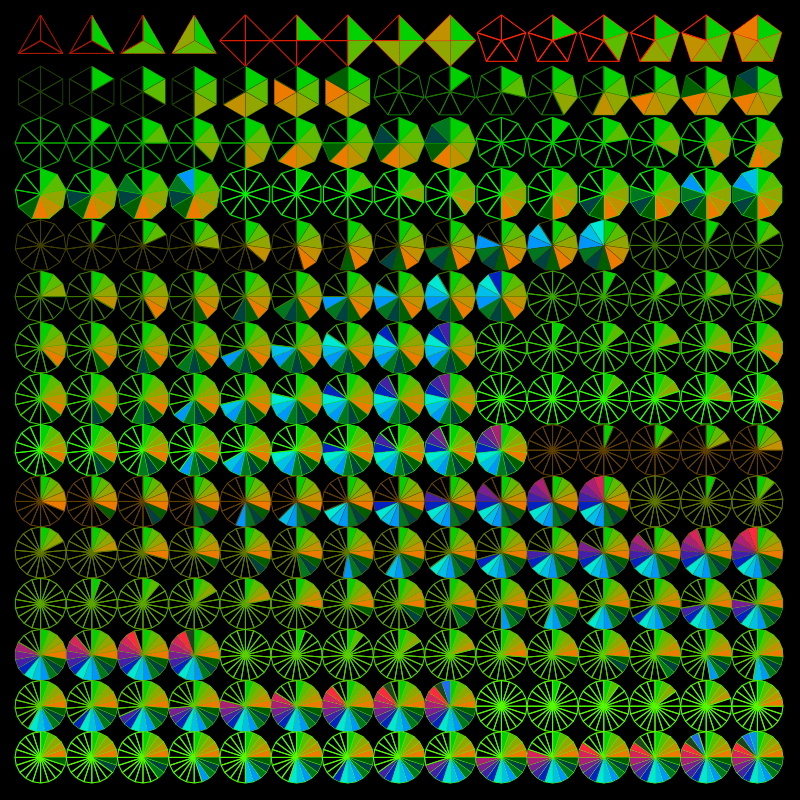
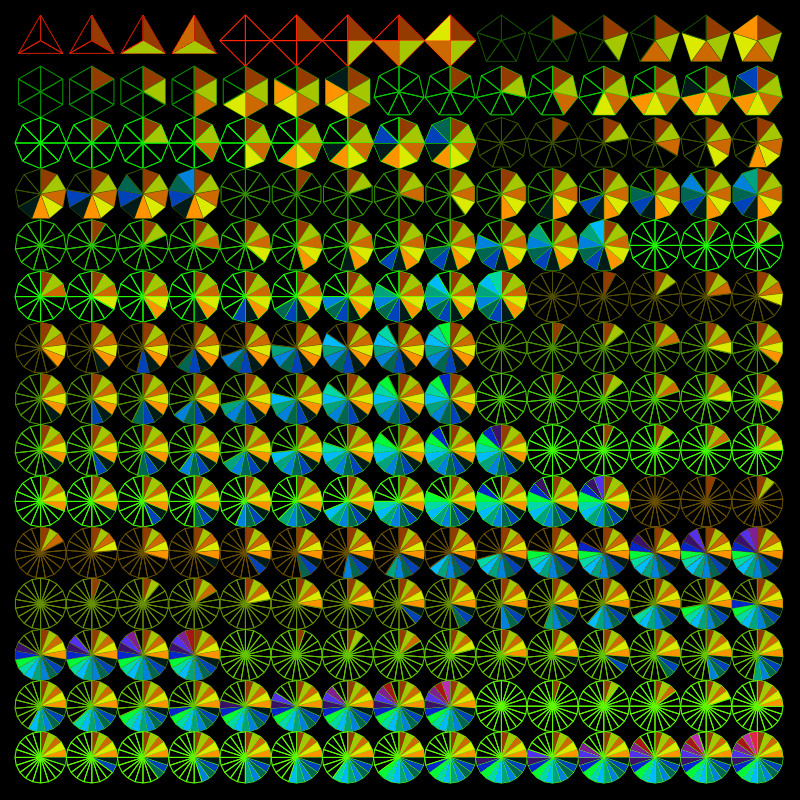
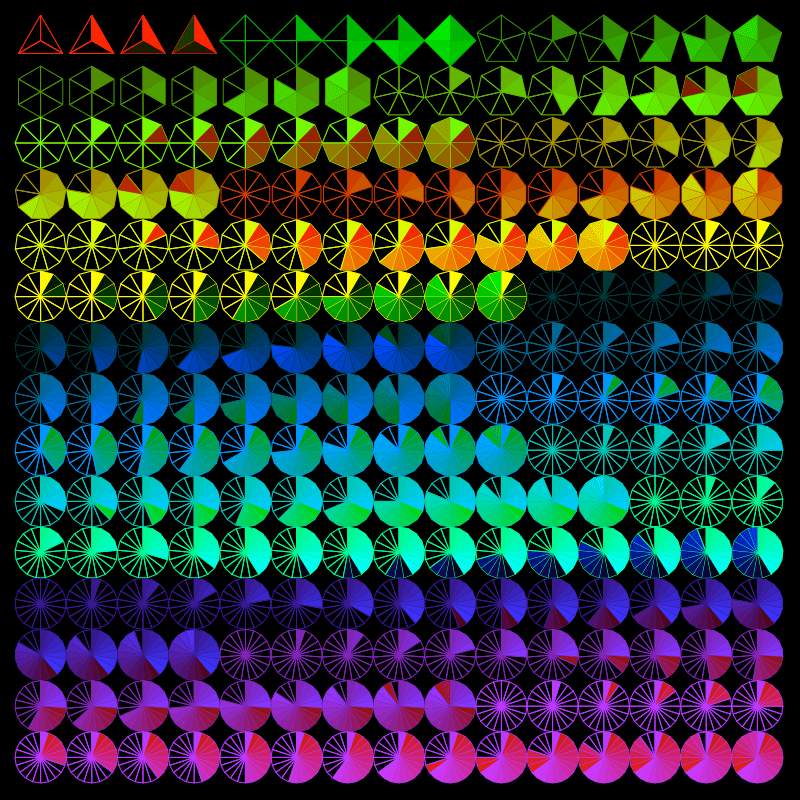
I wouldn’t say I got bored of the rows of neatly ordered polygons, but I did figure I should see what else I could do with them.
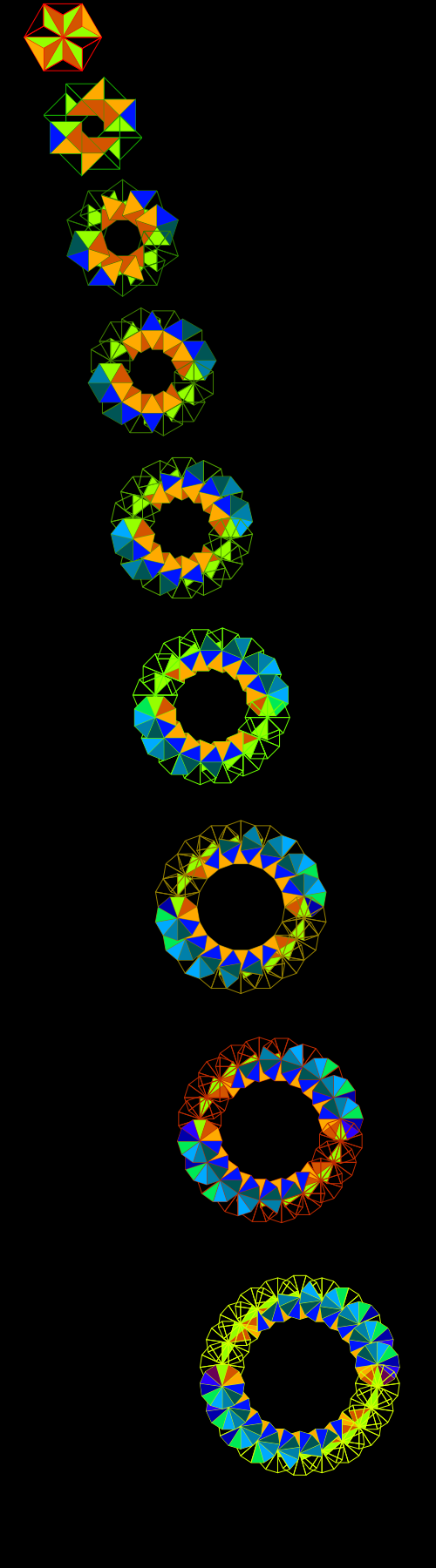
This next series made me feel like I was back in school and failing Calc II with how much math it required:


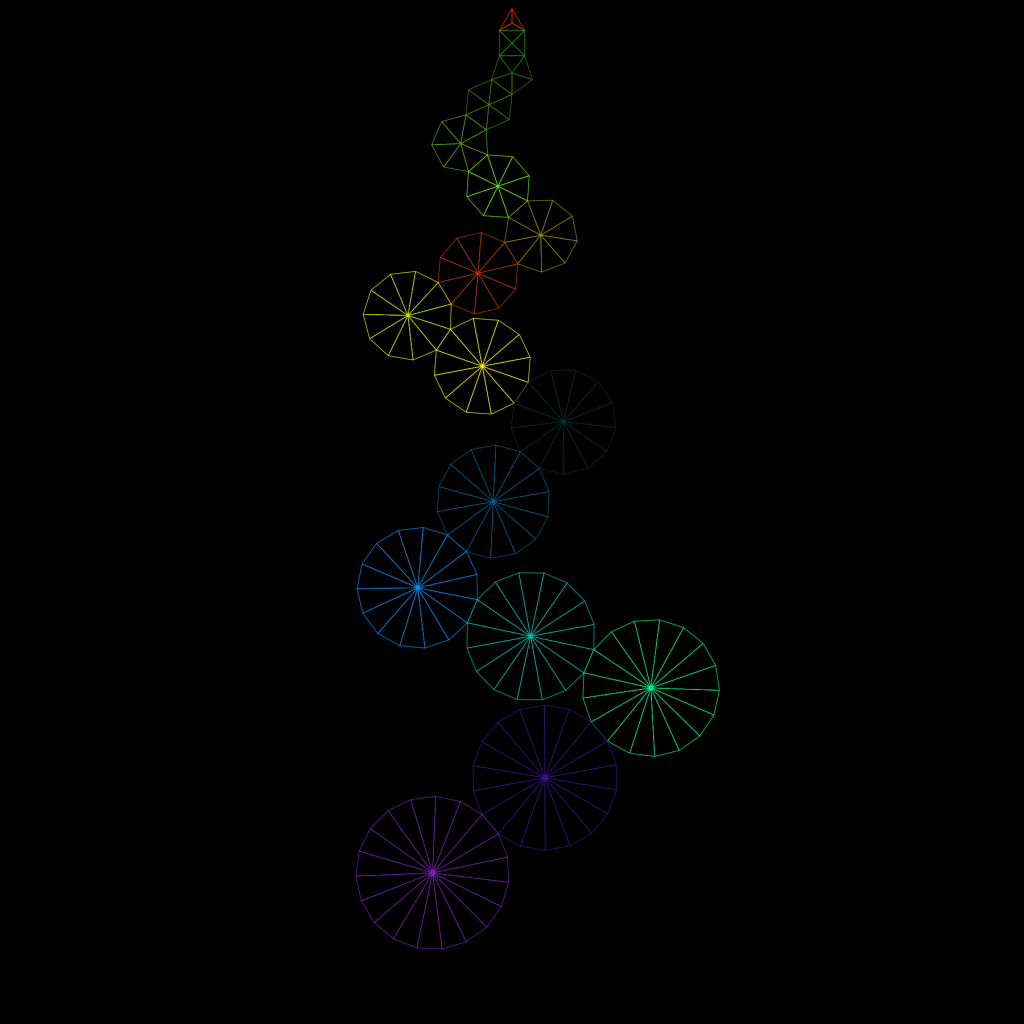


Of course, you may have also noticed that similarly to how a circle is just a polygon with a lot sides, a polygon is really just a bunch of triangles. And it turns out I like triangles even more than circles.
Tune in next time for triangles, triangles, triangles!
 Certain of Eventual Failure