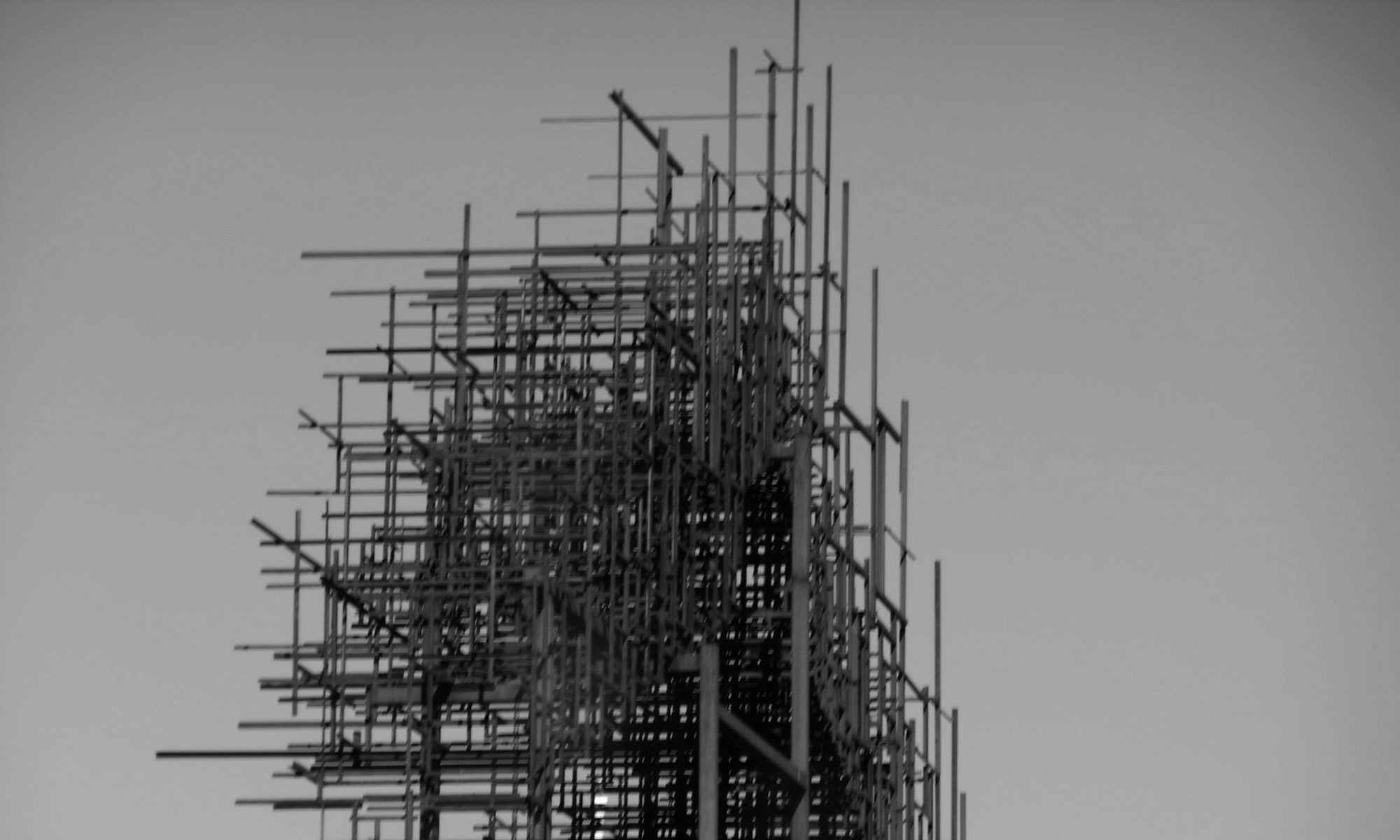
I was sitting in the examination room, once again waiting for the doctor to come in, ask how I’m doing, and then not do anything about it. The only upside of having to wait 40 minutes for a 5-minute-long appointment is that, being on the 6th floor, the room actually had quite a nice view, looking out over several miles of tree-lined neighborhoods and up into the hills. I particularly appreciated the way the colors changed with distance, how the nearby trees were a bright, summery green, while the farthest trees were much darker, with a bluish tint.
“Huh,” thought I. “That would be really easy to do in Logo.”
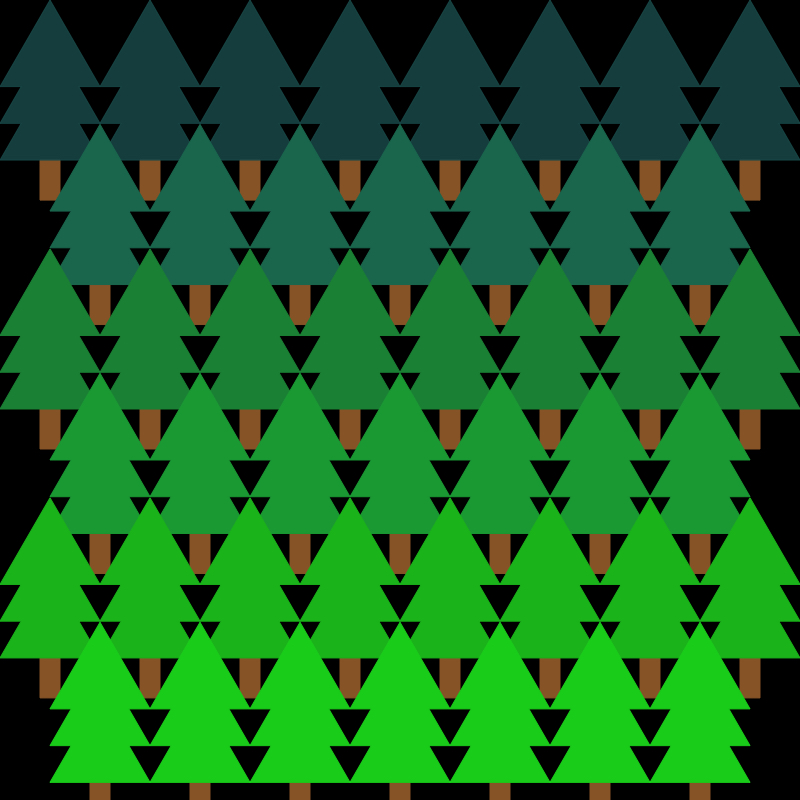
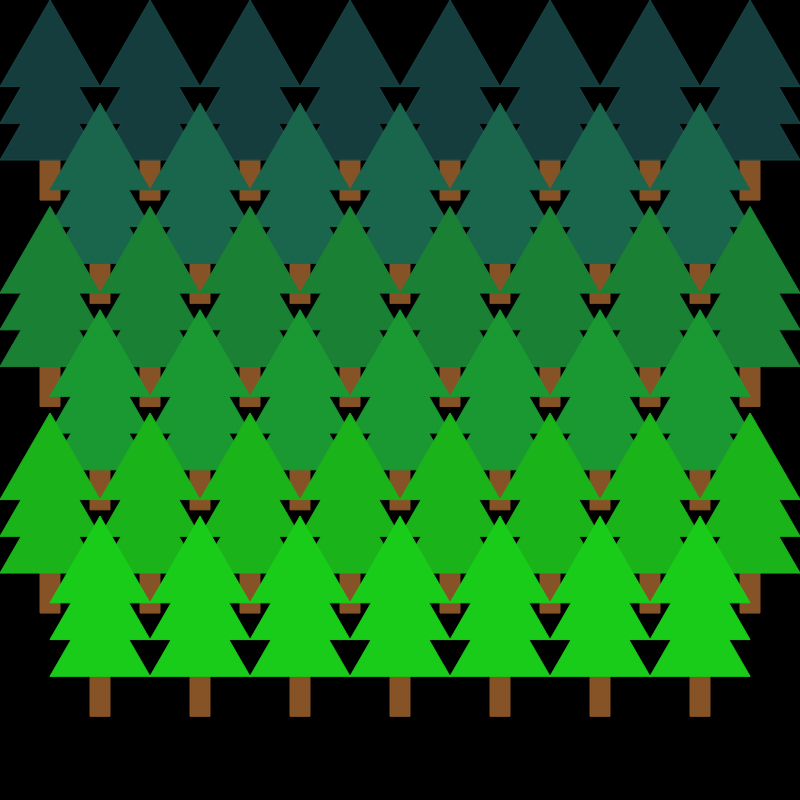
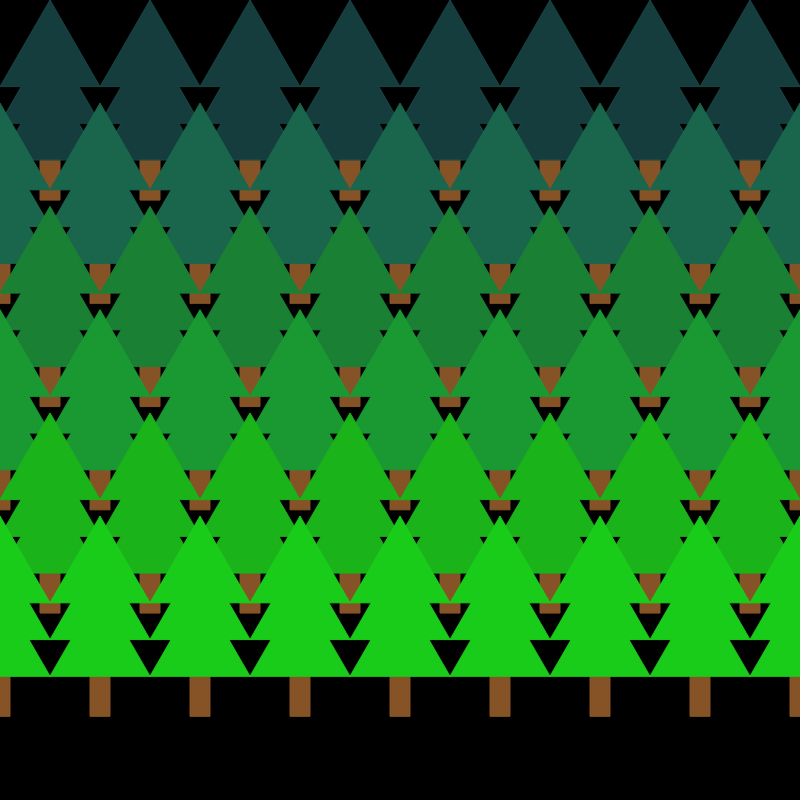
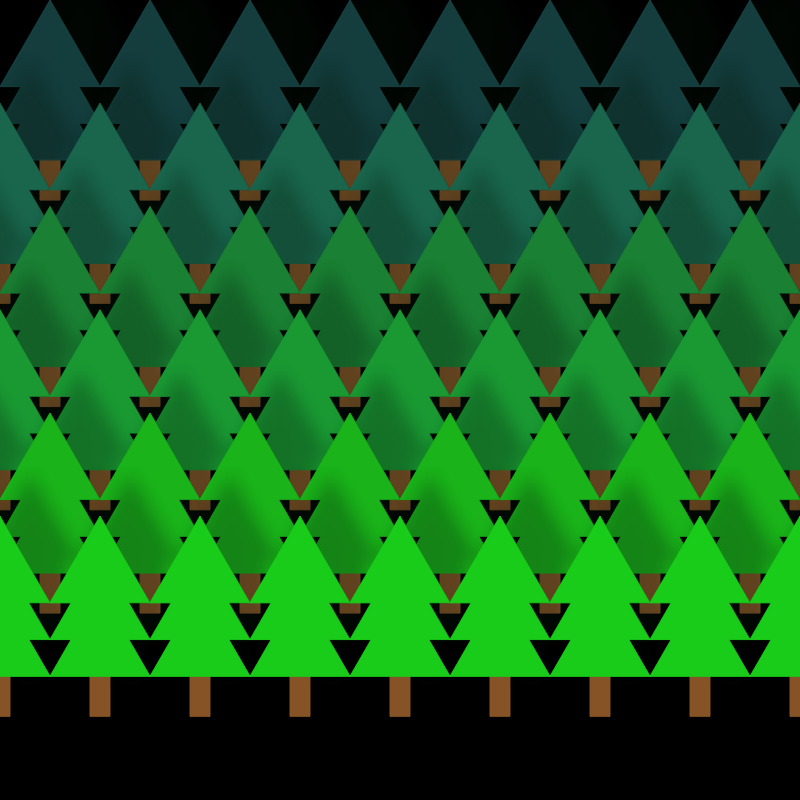
Well, what were you expecting, Bob Ross?
I played around with the shadows for a bit but couldn’t get anything I really liked, so I switched over to what amounts to doodling. I started with a pretty simple design, just a series of rotating and expanding squares.
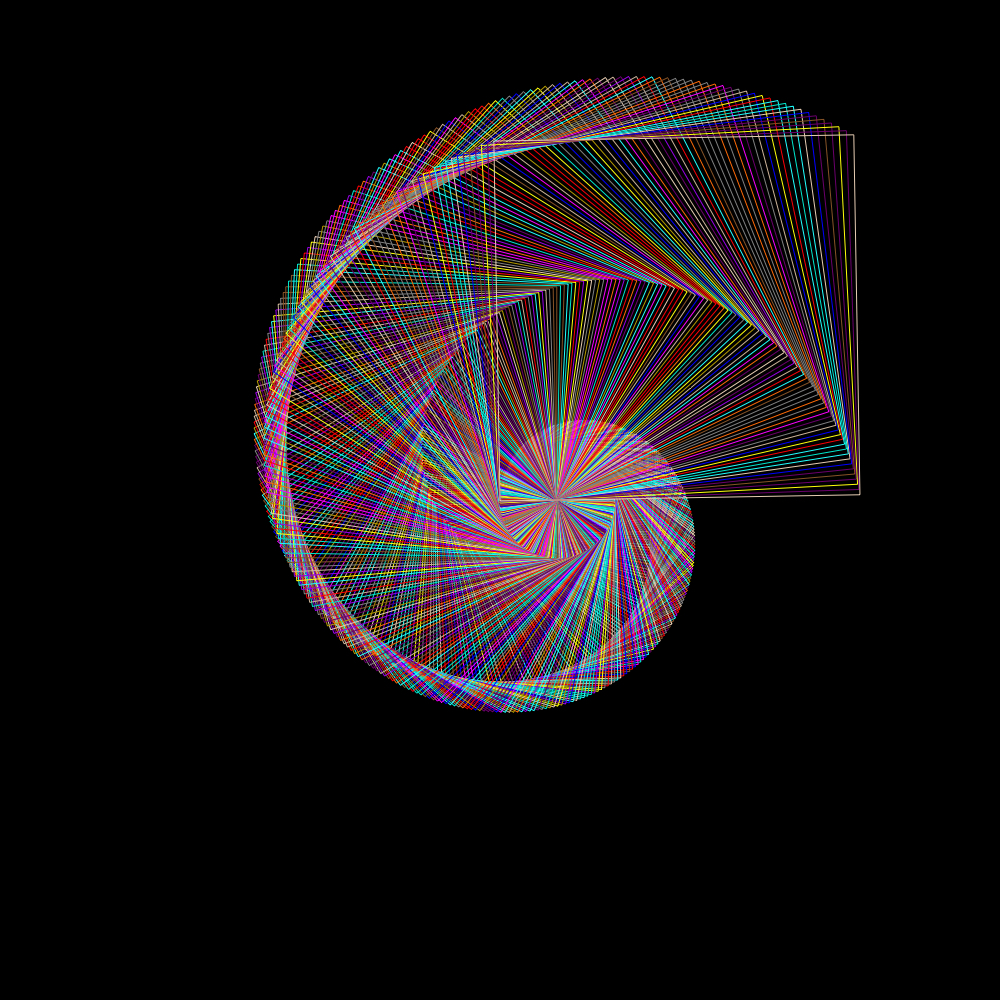
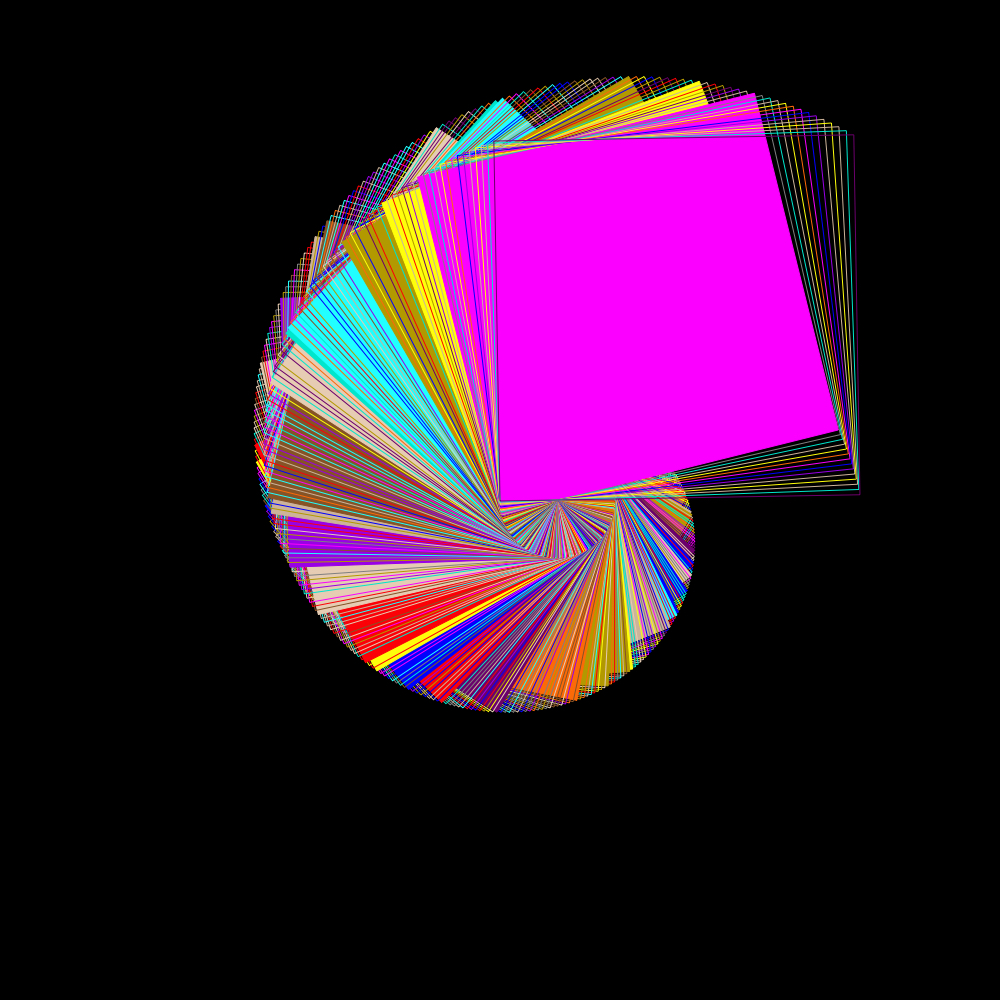
This was pretty similar to the stuff I’d done as a kid, albeit a little more intentional. But I wanted to try something different, so I started messing with something a little less predictable.
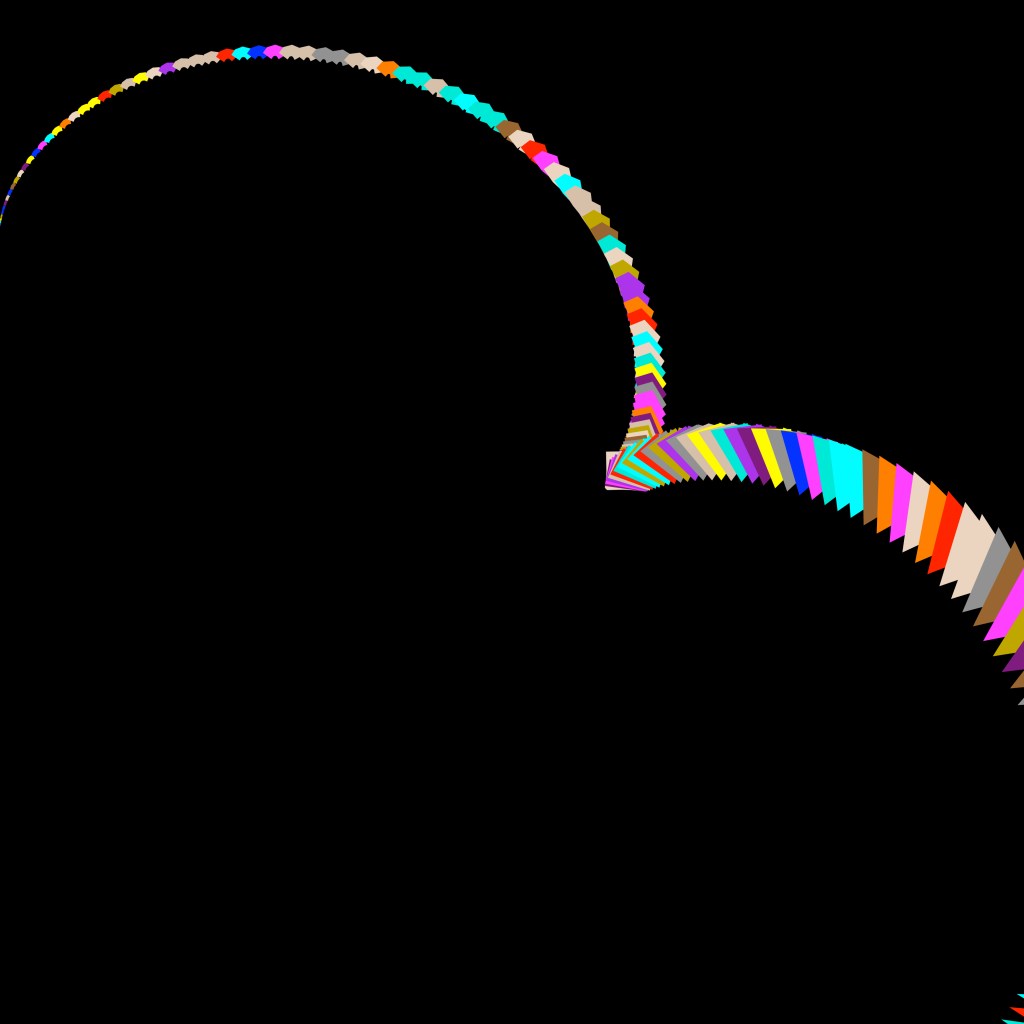
I liked how this felt wild without being chaotic, and I wanted to see where it went, so I just kept adding more repetitions and expanding the canvas size.
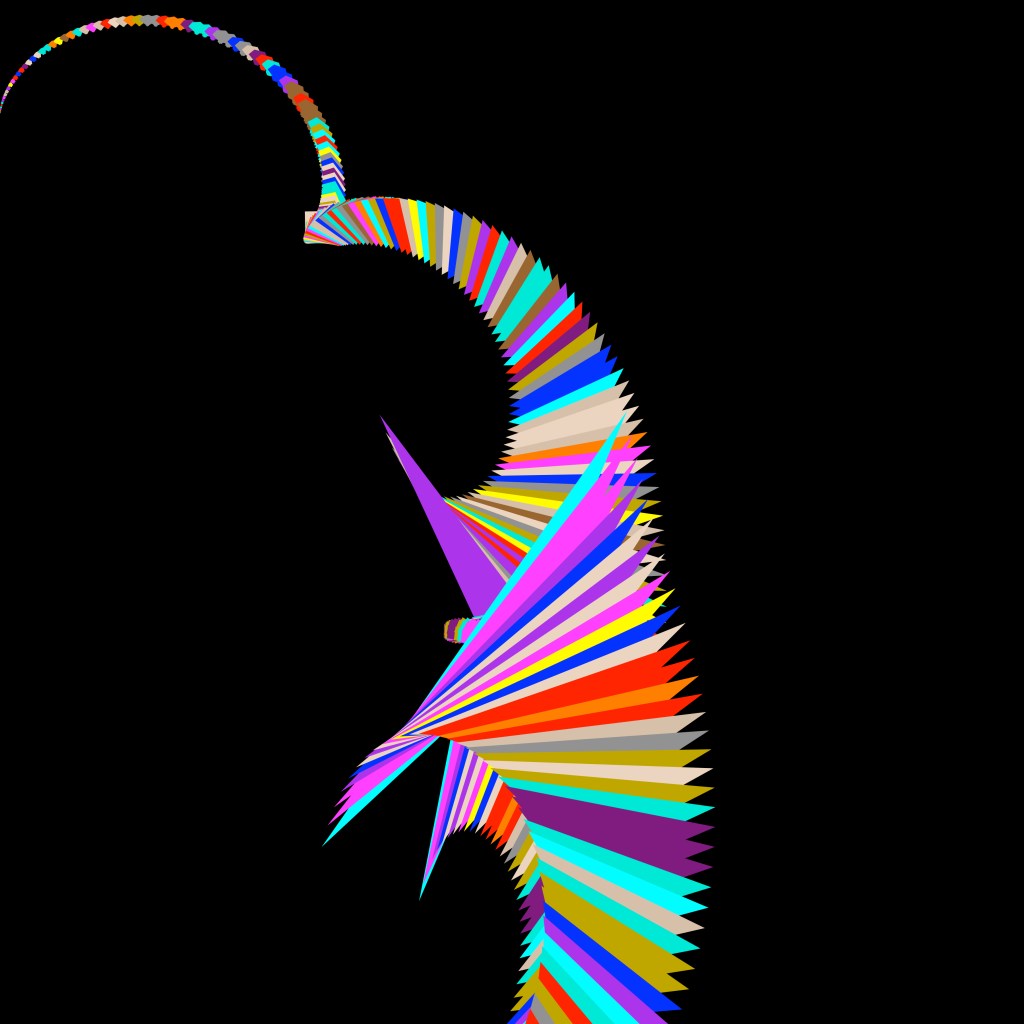
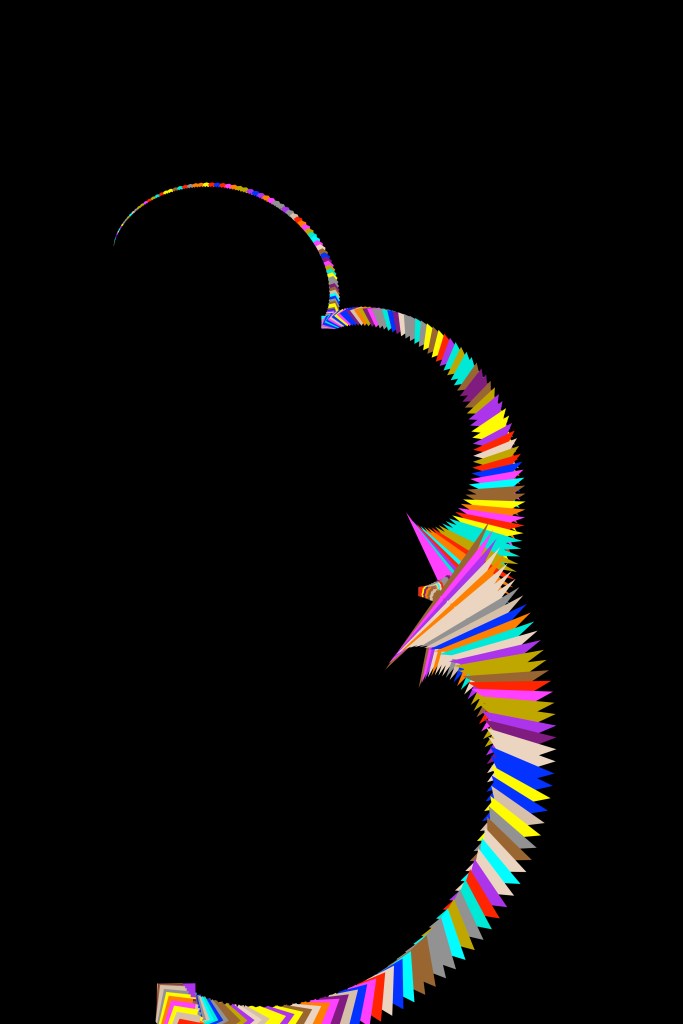
Finally, an extra large one with a slightly different formula to try to get rid of that mess in the middle.
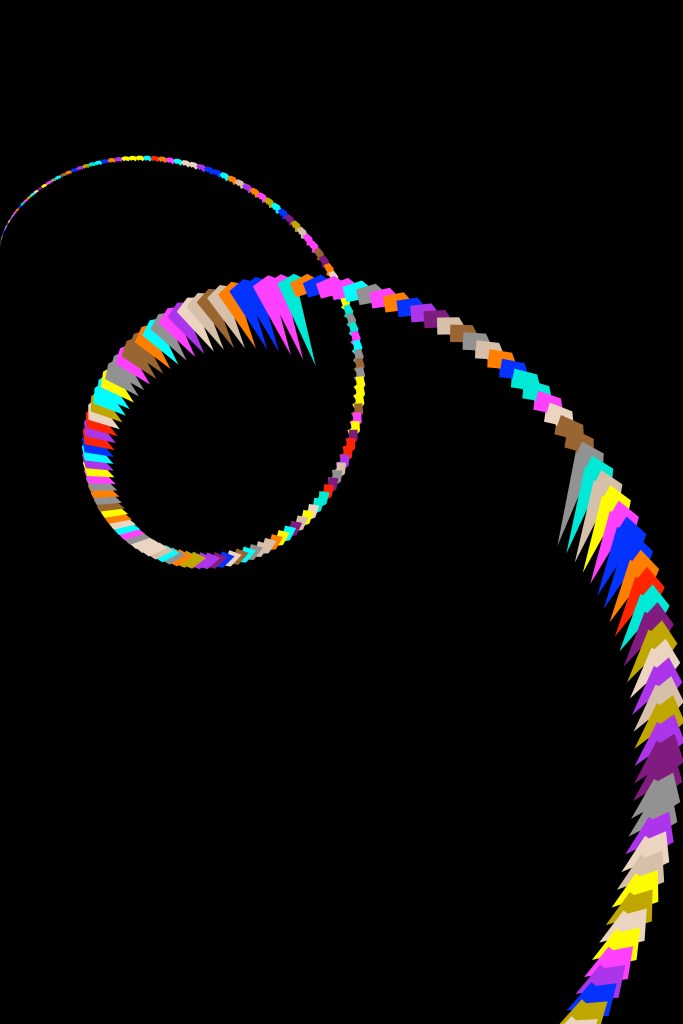
Then I remembered an actual physical algorithmic doodle I’d been working on for years. And whatever you think that sentence means you’re probably about to be disappointed:
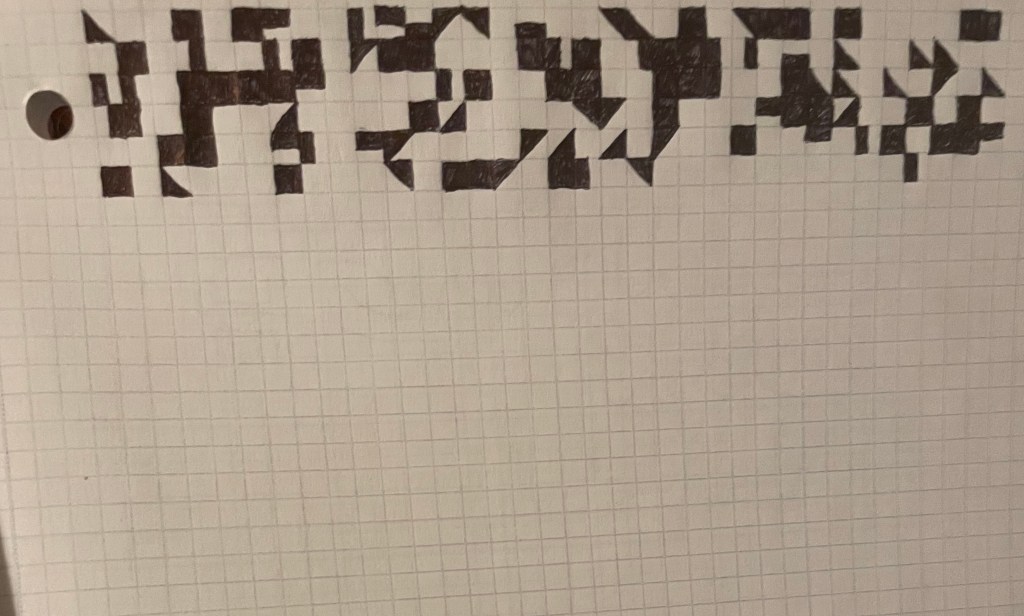
Using a random number generator to pick, I would apply the following algorithm to each square:
- I. 0 to leave blank or 1 to fill in.
- II. 0 to fill in completely or 1 to fill in half.
- III. 0 to divide vertically, 1 to divide horizontally, 2 to divide diagonally.
- IIIa. If diagonally, 0 to go from top-left to bottom-right, 1 to go from top-right to bottom-left.
- IV. 0 to fill in left/top, 1 to fill in right/bottom
Applying this algorithm was fairly tedious, and it had been a while since I’d done any work on it. “Huh,” thought I once again. “That would be really easy to do in Logo.”
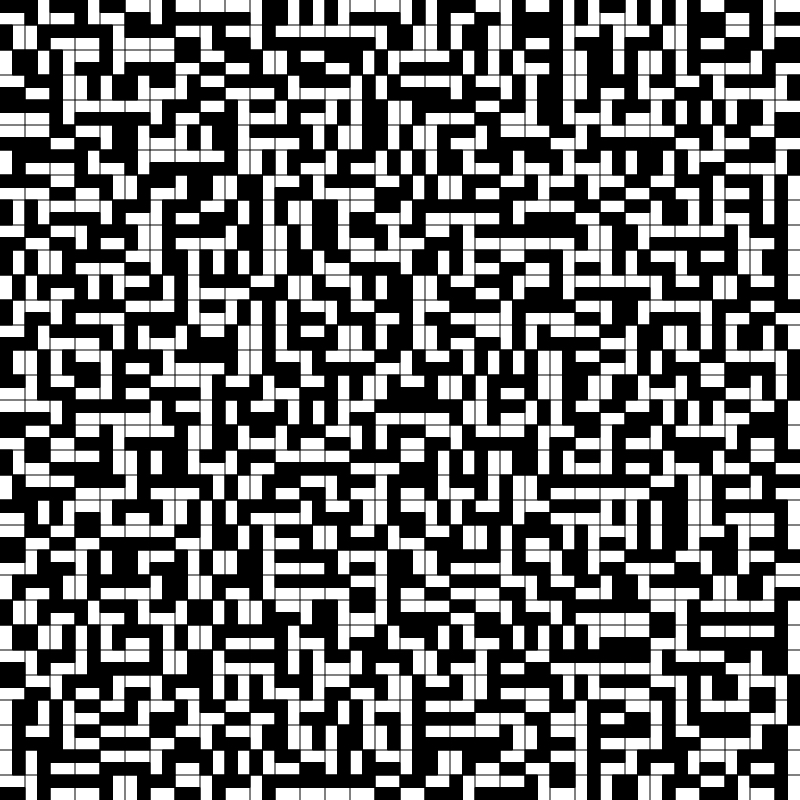
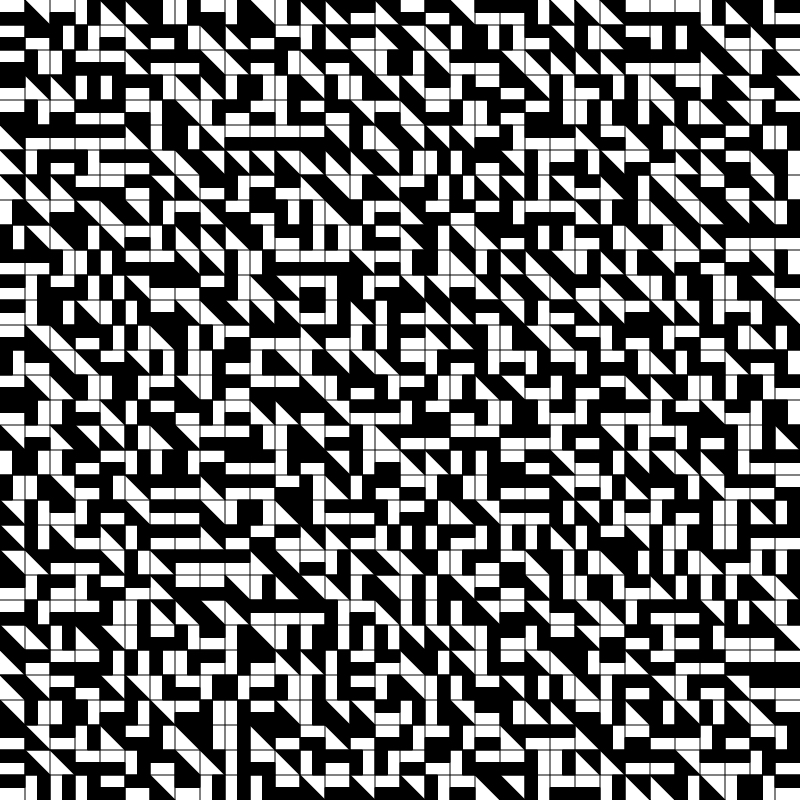
It was at this point it occurred to me that I didn’t need to include the graph lines, or limit myself to black and white.
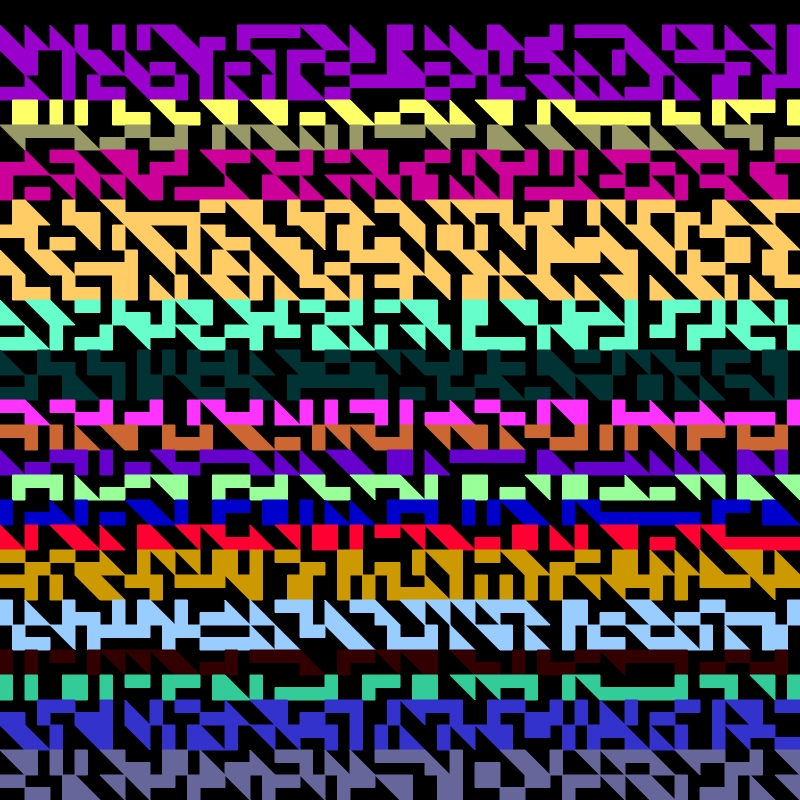
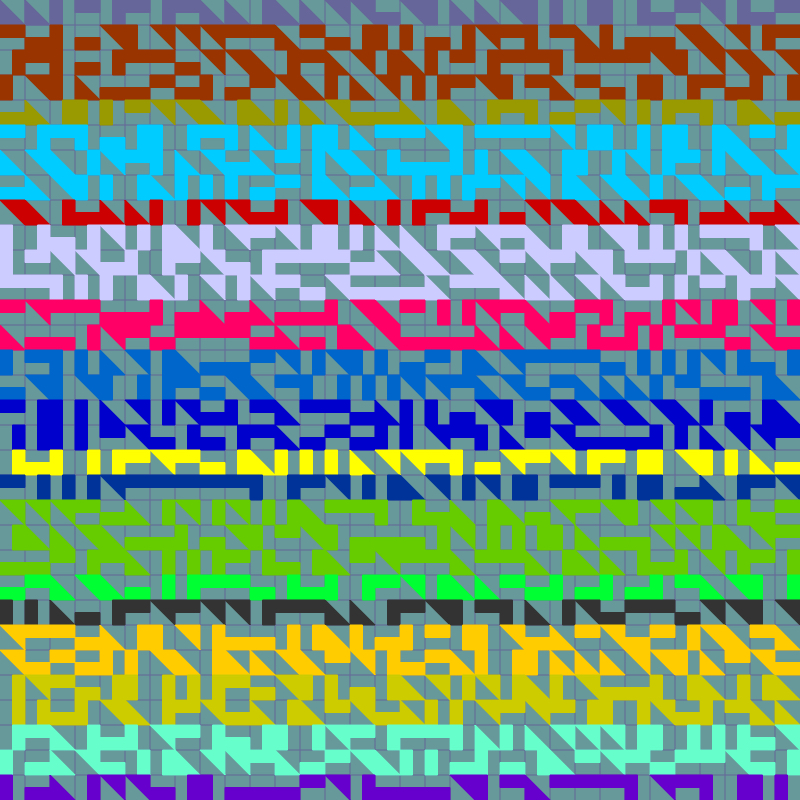
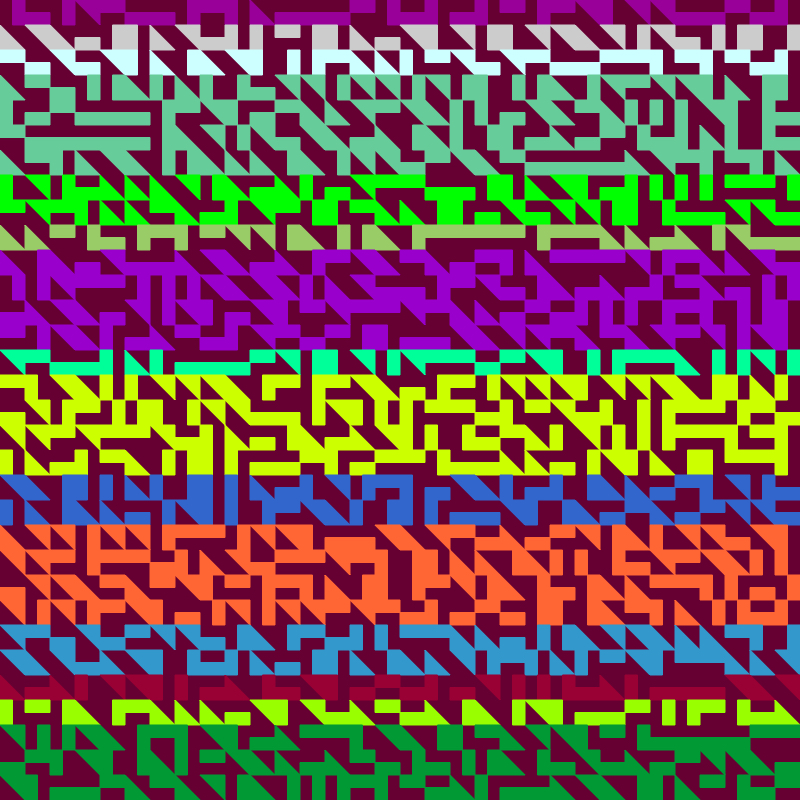

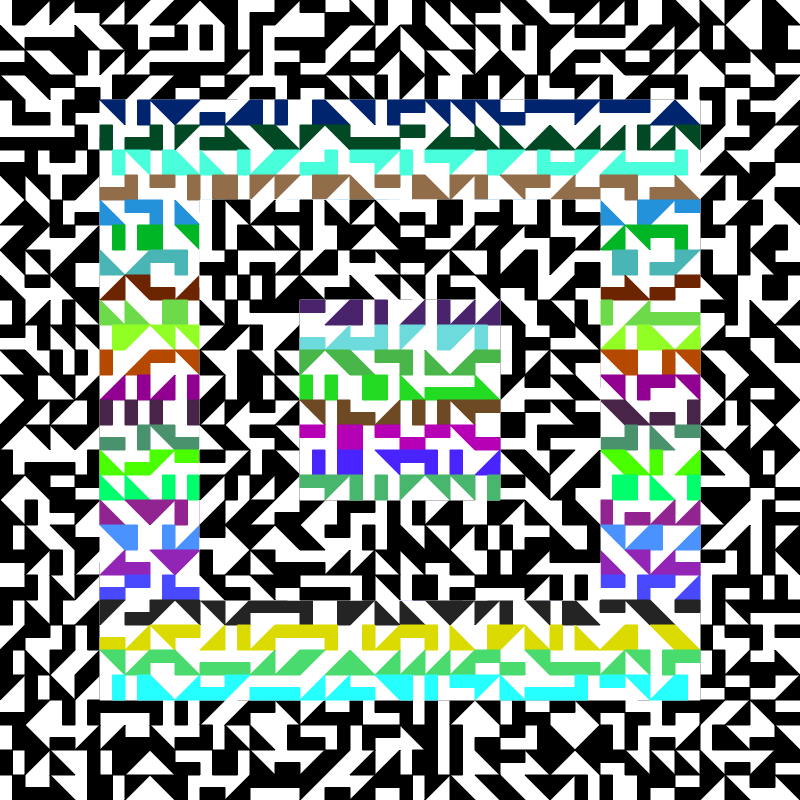
For that matter, why apply it to the whole canvas?
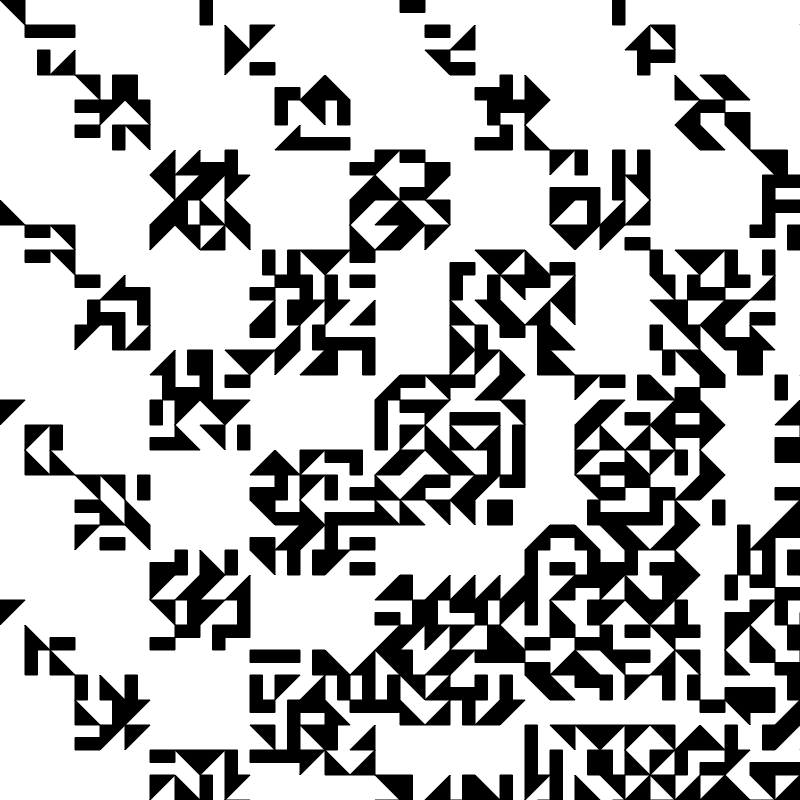
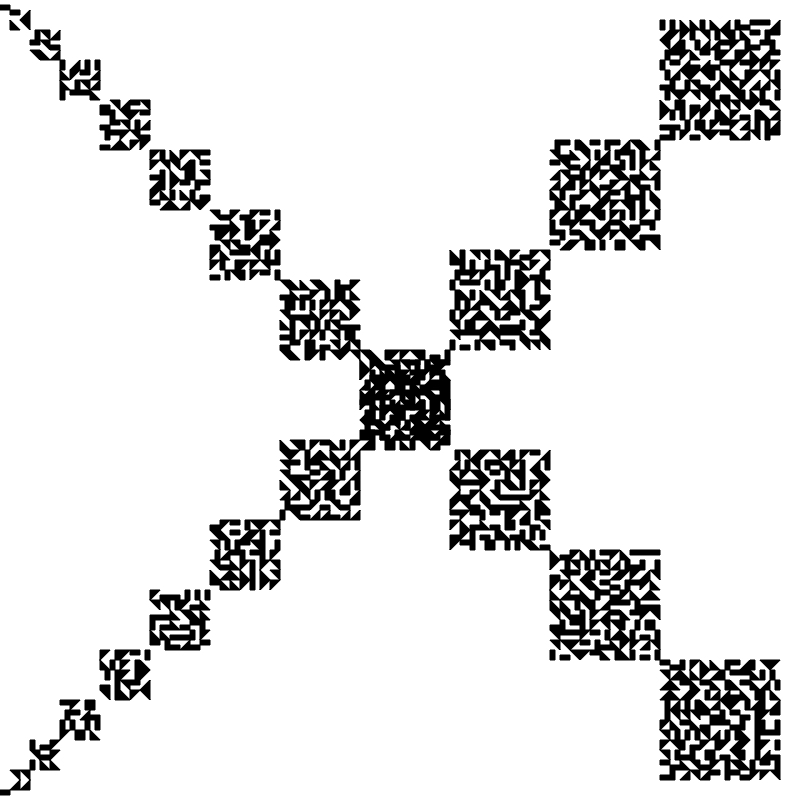
For a real headache: dropshadows!
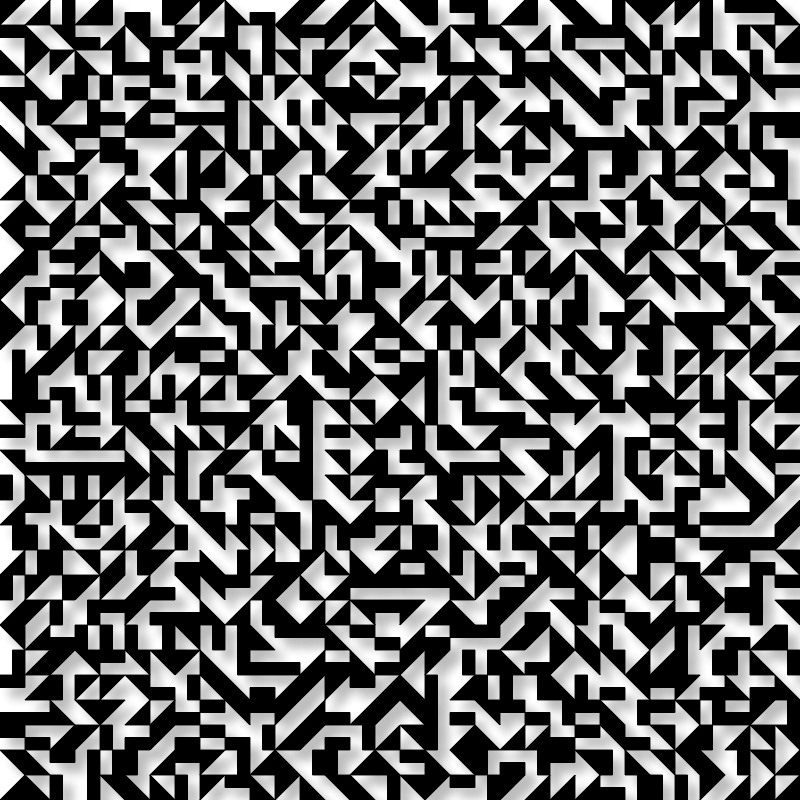
Finally I decided to really break it by start in a random spot and turning wrapping on, so when it the edge of the canvas it would come back around the other side. Not sure what I was expecting, but it wasn’t this:
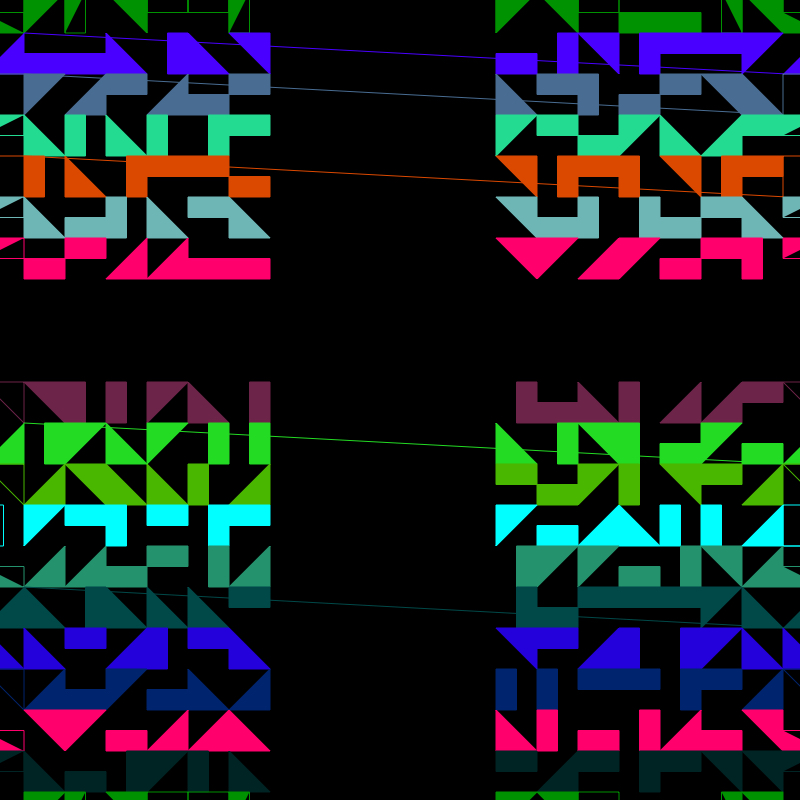
This was all well and good, and honestly I could’ve kept messing around with this design pretty much forever. But I was curious whether I could do a similar thing with circles. Spoiler: I could not.
Tune in next time for not circles.
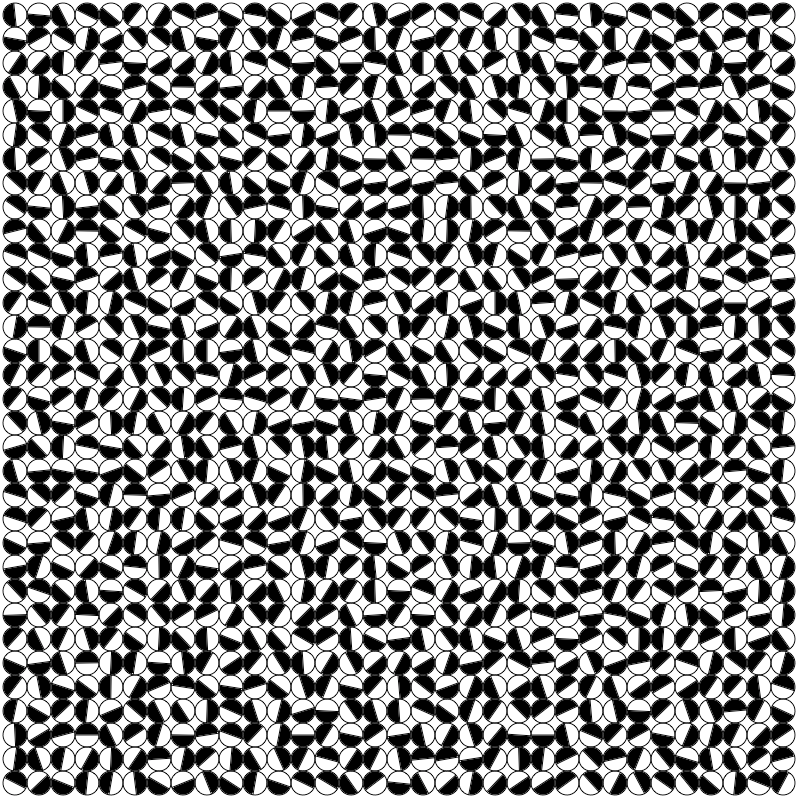
 Certain of Eventual Failure